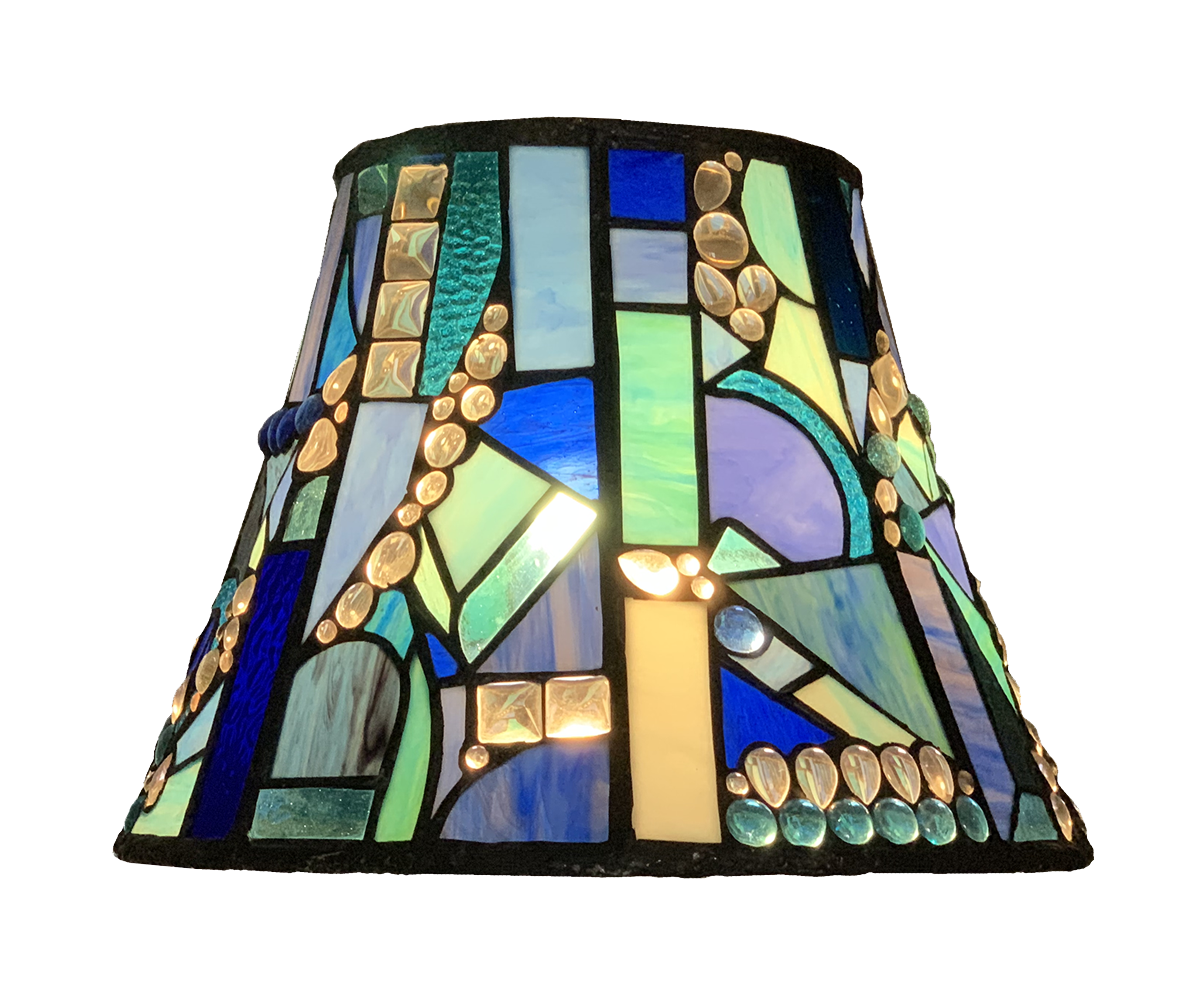
Ever had trouble copying that photoshop creation to you photo library? This is an easy way to master that issue.
- create a image on photoshop:
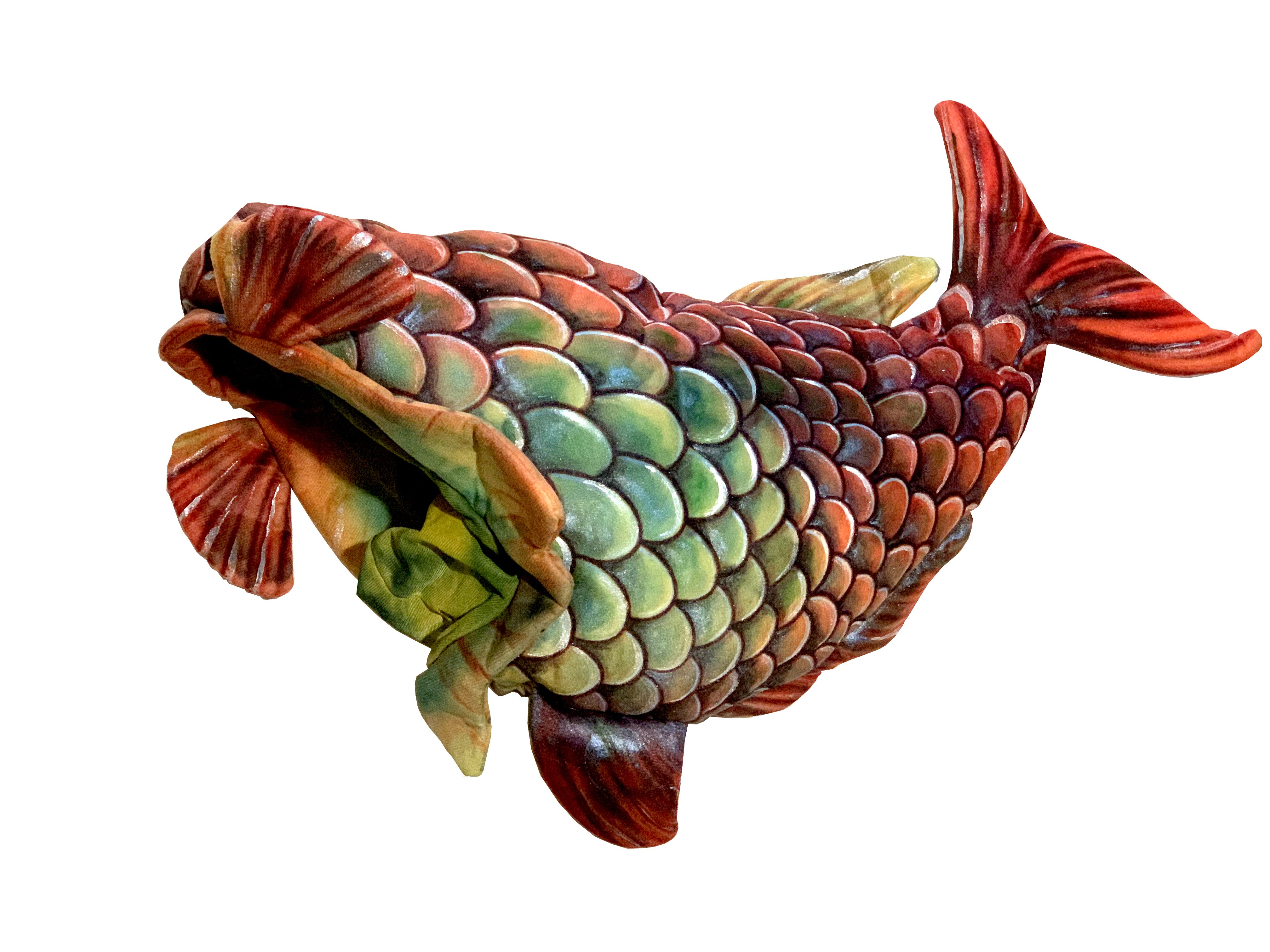
2. After you have created an image in photoshop that you would like to have it in you photos, first save it as a .png or .jpeg
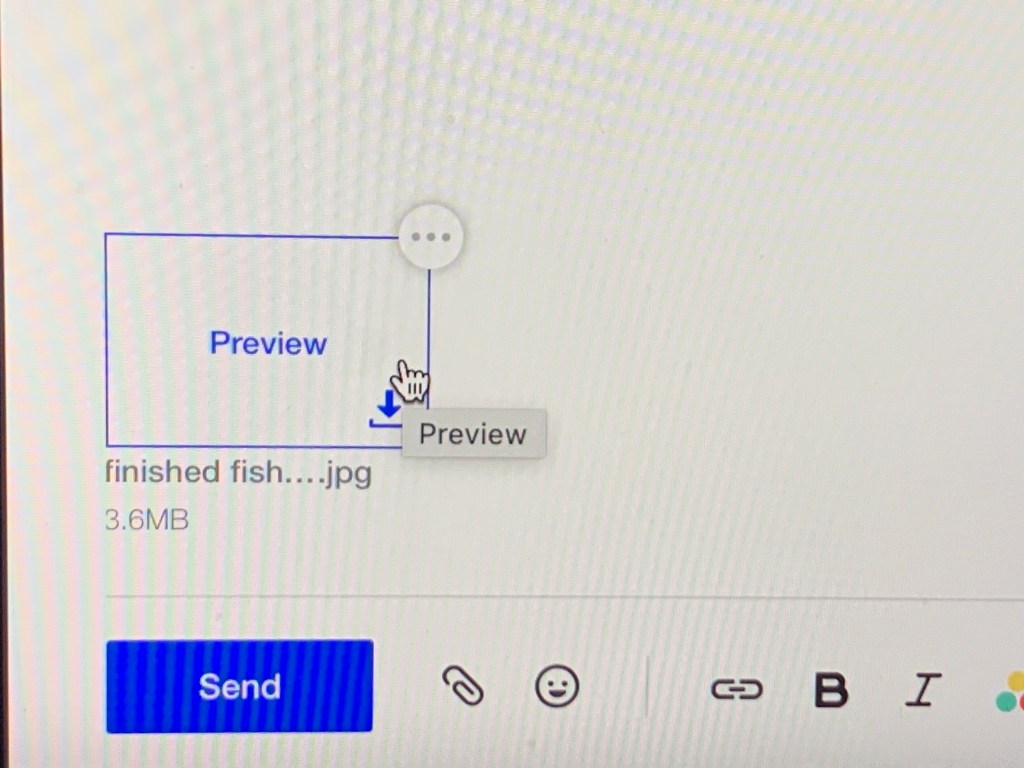
3. Bring up your email browser (this is yahoo) and pretend you are composing an email. Attach your file, click preview and download the file:
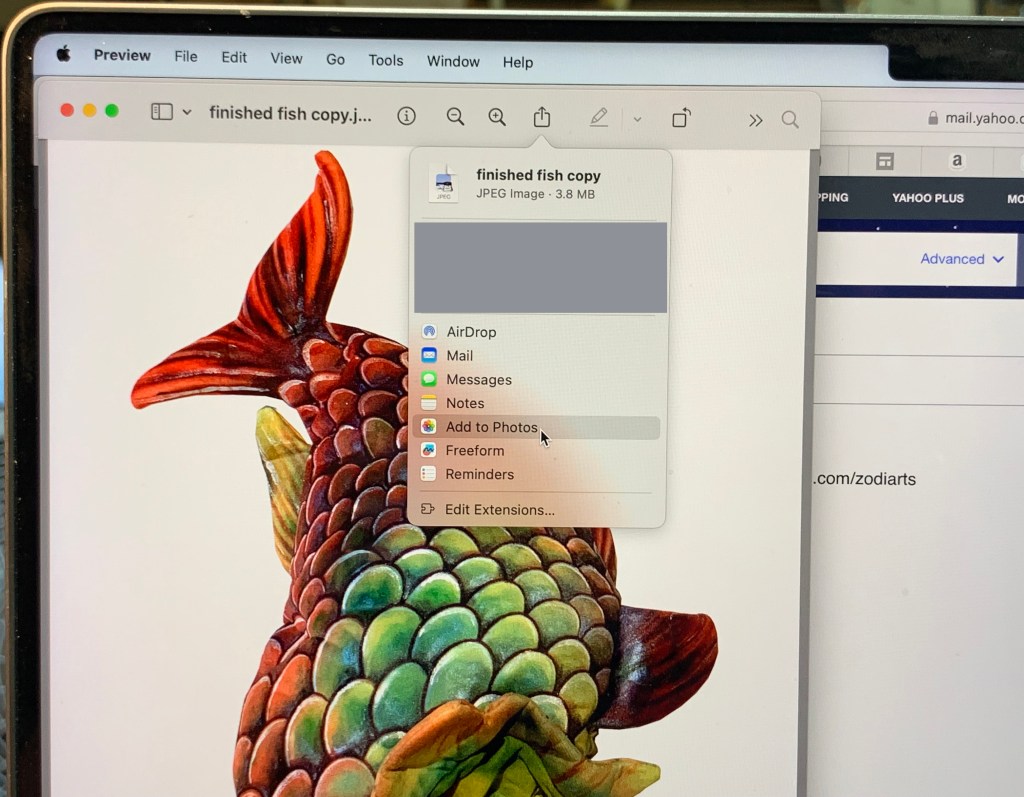
4. Open your downloads and move a copy to photos. Now you have your file in photos!
______________________
Now you can share your photoshop works with anyone as if they were photos. I use this method when adding images in iMovie.
If this is helpful to you please leave a comment. And as an Amazon Affiliate Marketer, I earn a commission on qualifying purchases at no additional cost to you.I only include products that I have used myself.
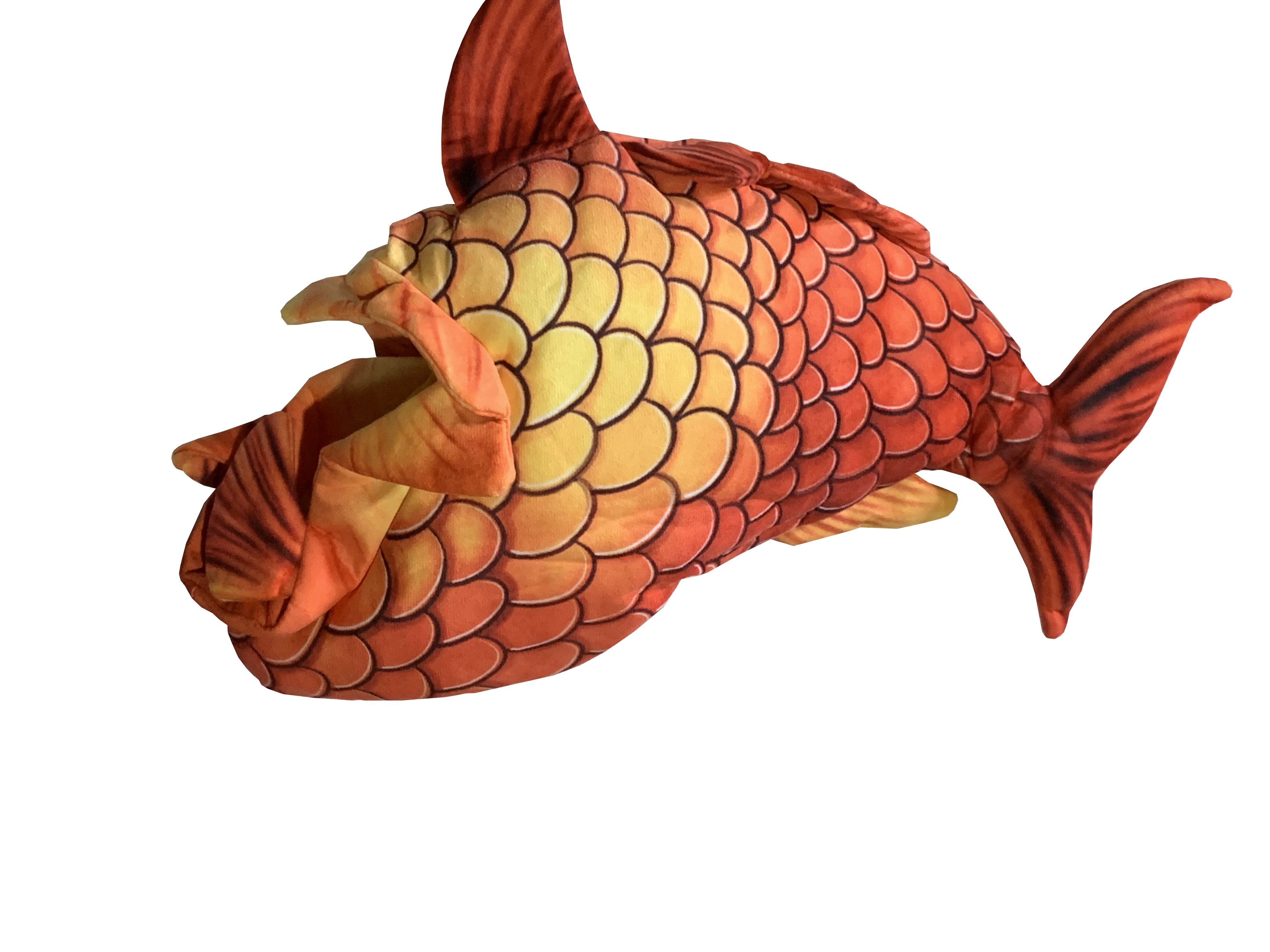
fabric fish hat by XIYUAN sold on Amazon

 Zodiarts
Leave a comment